


Hog CI Products#
In this paragraph, we describe the output products of the Hog CI pipelines.
Individual Job products#
Each generation and simulation CI job, produces artifacts. The most important artifact is the bin folder containing all the binary files prodice to be loaded on the FPGA.
The bin floder also contains:
Synthesis and implementation reports
The
versions.txtfile contianing all the information about the versions of the built projectThe timing text file,
timing_ok.txtortiming_error.txtOptionally IPBus XMLs,
Other artifact might are added by Hog in some special cases:
DCPs in case you have enabled the saving of DCPs files with the
HOG_SAVE_DCPenvironment variable as explained hereThe
DebugProjectsfolder is a copy of the whole Projects folder and it’s saved only in case the specific project did not meet the timing. As this is done in the individual project’s CI job, the folder will only contain the one project and it will not be collected at the collect-articat stage.
Merge Request Pipeline Products#
The Merge Request pipeline generates a bin folder, where it stores the output products for each Hog project that has been run over the CI. It can be browsed, by opening the collect_artifacts stage of your pipeline and then clicking on Download or Browse on the right sidebar.

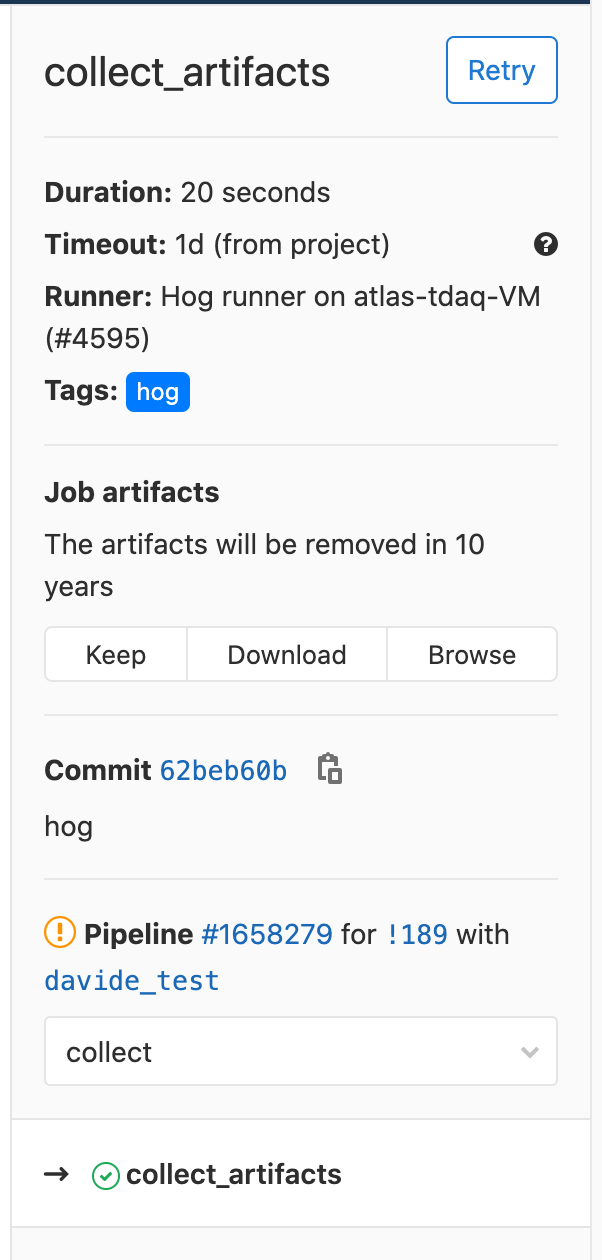
For each project, it creates a sub-folder with the following format:
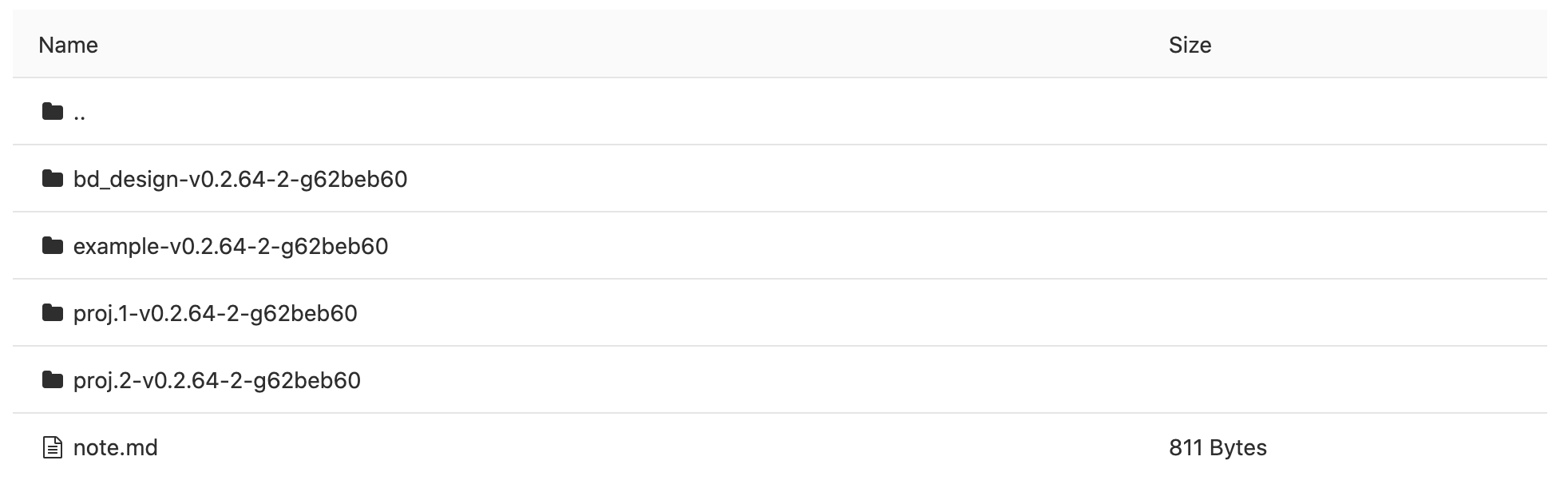
<project_name>-<latest-tag>-<number_mr_commit>-<git-SHA>
For example, in our TestFirmware, we have four Hog projects: bd_design, example, proj.1 and proj.2, and the bin folder content, looks like:
Inside each project sub-folder, you will find the bitstream files, a txt file with the timing report (timing_*.txt), a txt file with the version summary (version.txt), a report folder containing the Vivado/Quartus reports and an xml folder for possible address tables.
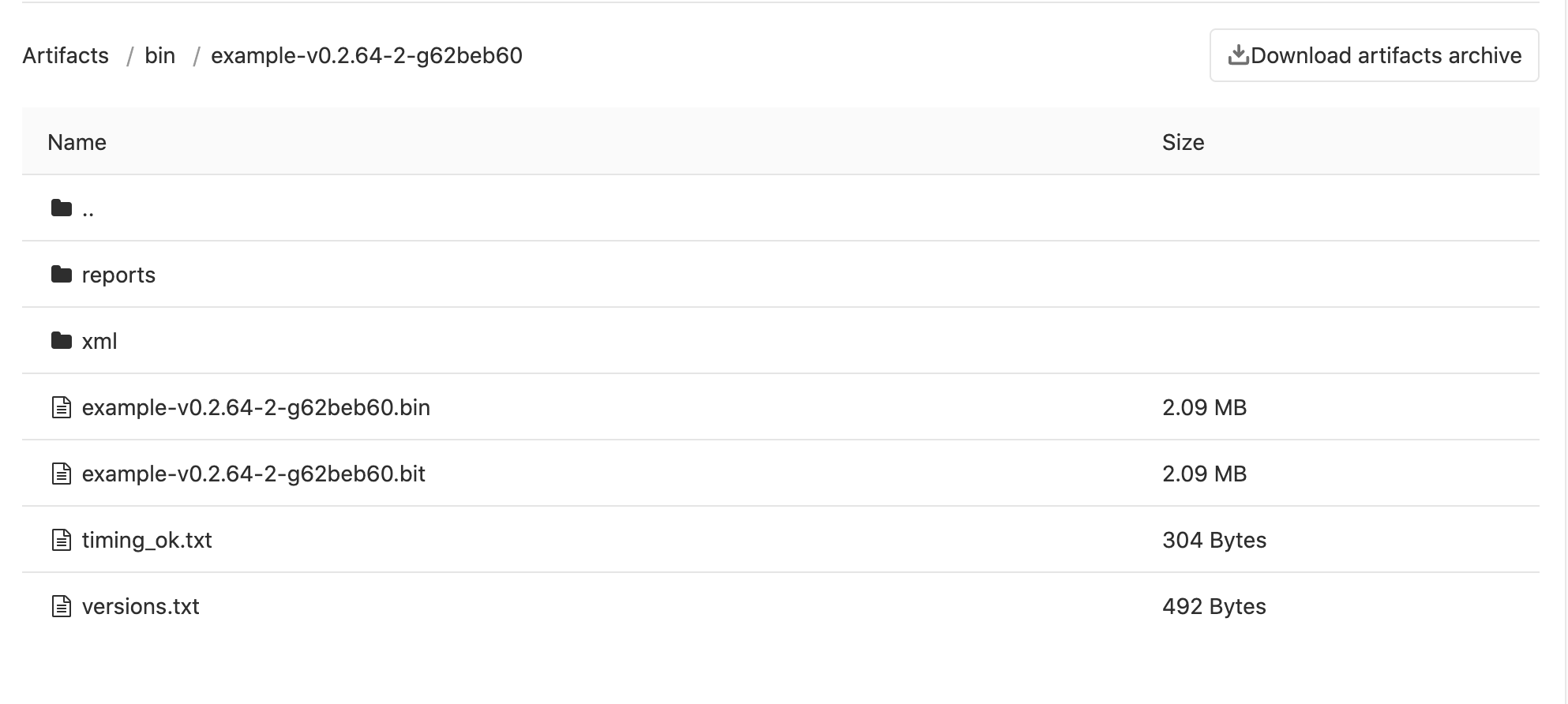
Additionally for a Vitis project, the processors binary files (.elf) will also be included.

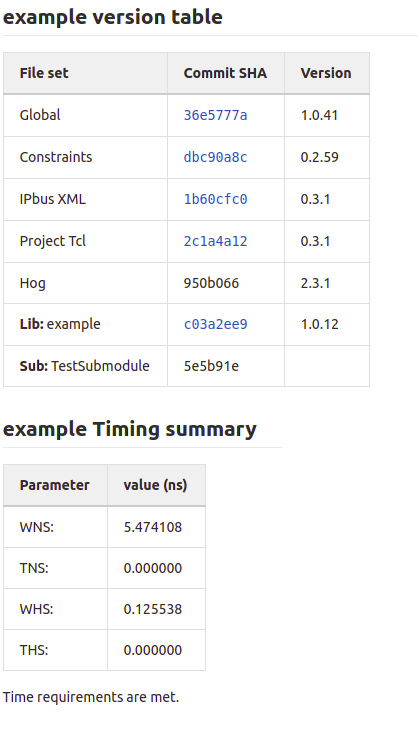
The Merge Request pipelines writes also notes with the resulting timing and version status in the Gitlab MR page, for faster control.
Doxygen documentation#
If configured (HOG_USE_DOXYGEN set to 1), Hog CI creates also the Doxygen documentation for the entire repository. This documentation can be browsed by opening doxygen stage artefacts in the Gitlab web page.
To create Doxygen documentation Hog uses the make_doxygen.tcl script
Tag Pipeline Products#
If HOG_CREATE_OFFICIAL_RELEASE is defined, the Tag pipeline creates the Gitlab Release, as described here and, if HOG_OFFICIAL_BIN_PATH is defined, it copies the produced project binaries and logs to a new folder in HOG_OFFICIAL_BIN_PATH, named as the new tag. If doxygen has been also run, the newly generated documentation is copied also in the Doc folder inside HOG_OFFICIAL_BIN_PATH.